Step 3 — Workflow Setup
2 min
Steps
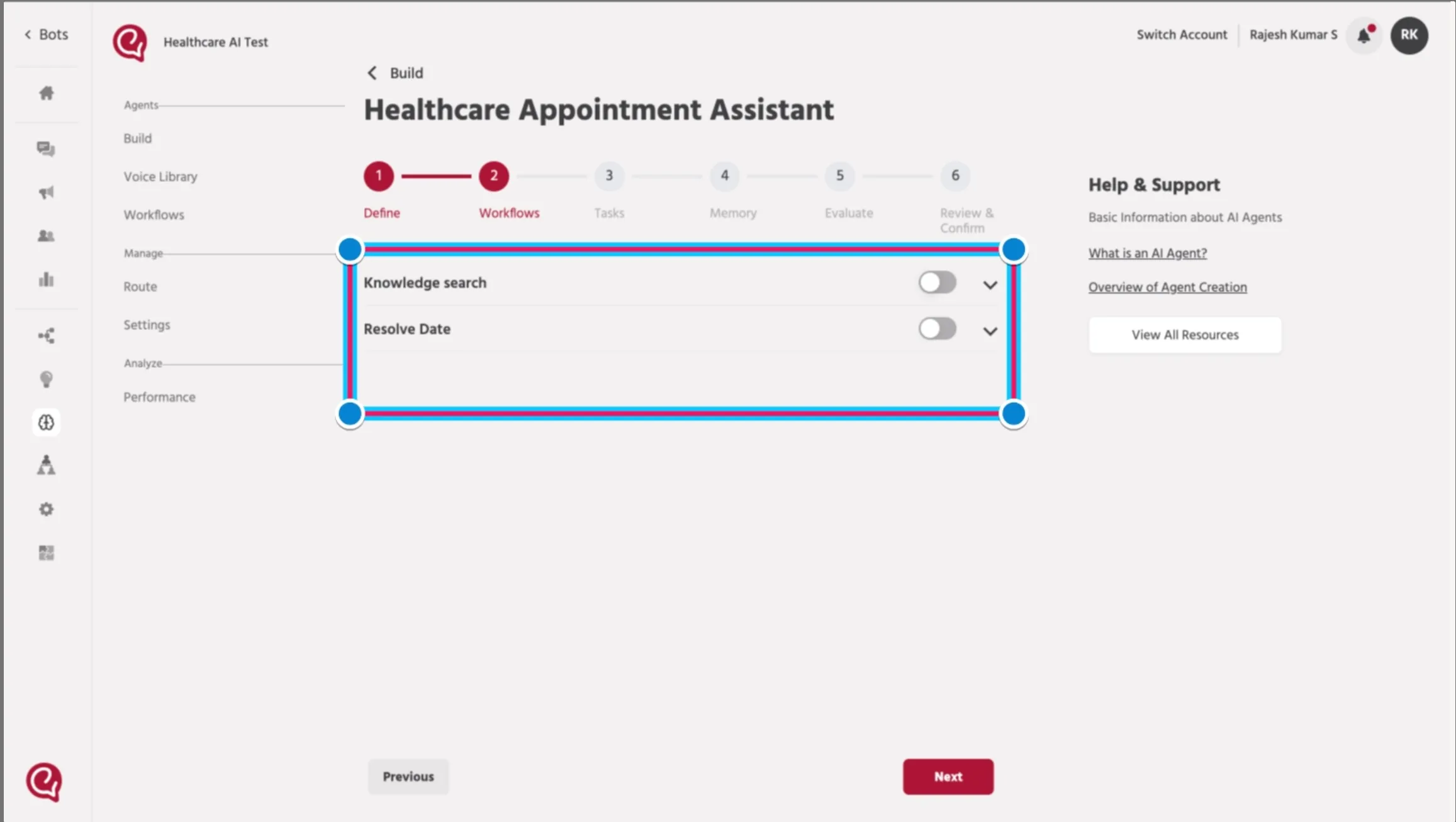
- In the agent setup screen, open the Workflows tab.
- Turn ON the workflows your Voice Agent should be allowed to run.
- Confirm each workflow is already configured with the correct:
- Path
- Input Attributes
- Output Attributes
- Ensure workflows are optimized for voice interactions:
- Responses should be short and easy to understand
- Avoid long or complex outputs
- Design flows suitable for spoken conversations
- (Best Practice) Use workflows only when necessary, as excessive usage can increase response latency in voice interactions
📚 Next Steps
Continue to: Step 4 — Add Tasks (Prompt Writing)Step 4 — Add Tasks (Prompt Writing)