Step 7 — Evaluate + Review & Confirm
4 min
This is the final stage: optionally test the agent, then review everything and create it.
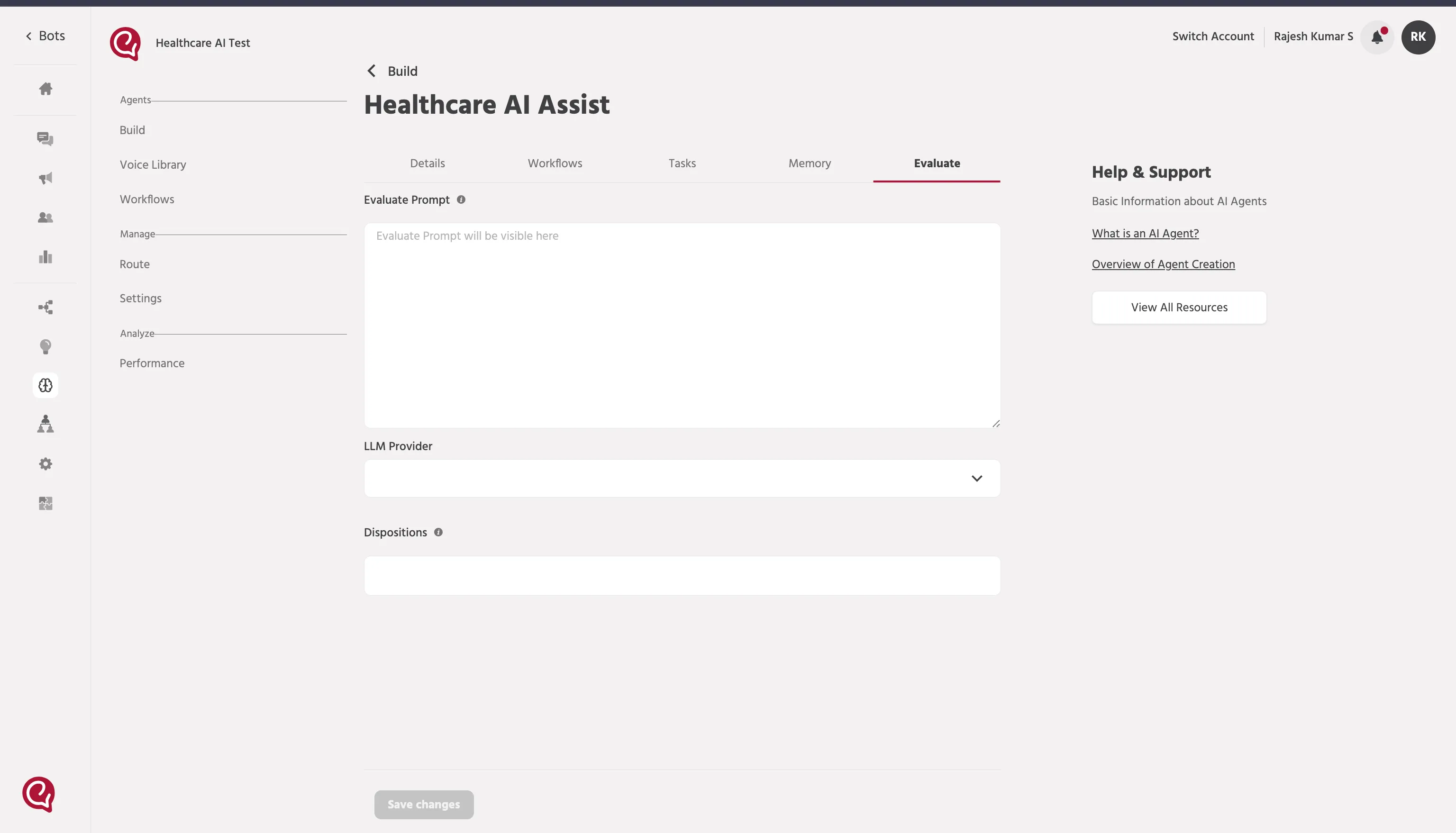
1) Evaluate (optional)
Evaluate is optional for Text Agents.
- If you don’t need to test now, click Next to continue.
- If you do test, use it to validate that the agent follows your Tasks and triggers workflows correctly.
2) Review & Confirm
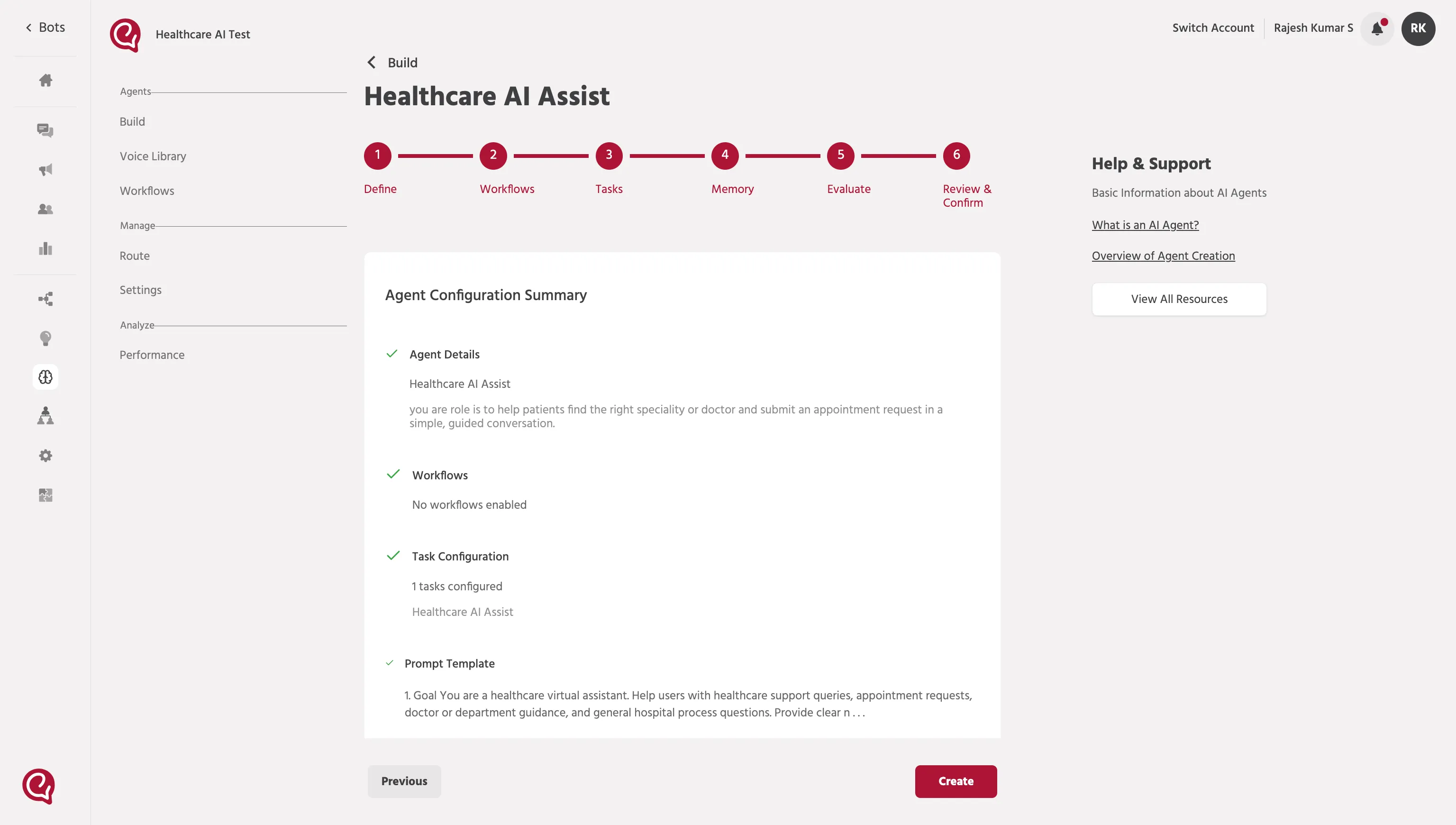
In Review & Confirm, verify the complete configuration before creating the agent.
What to review
- Agent details (name, description, icon)
- Enabled workflows (what the agent can run)
- Tasks (behavior rules, tone, output format)
- Prompt template (instructions + variables)
- Memory settings (Working Memory + Context Injection File, if any)
Final check
- If anything looks wrong, go back and fix the relevant step.
Create the agent
- Click Create.
- After creation, your Text Agent is ready to use.
✅ You’re Done
You have successfully created your Text Agent.
📚 Next Step — Agent Deployment
Now proceed to Text Agent Deployment to make your agent live and start interacting with users.