Step 3 — Define Agent
4 min
In Define, you set the agent’s basic details (name/description) and choose the inference provider + model.
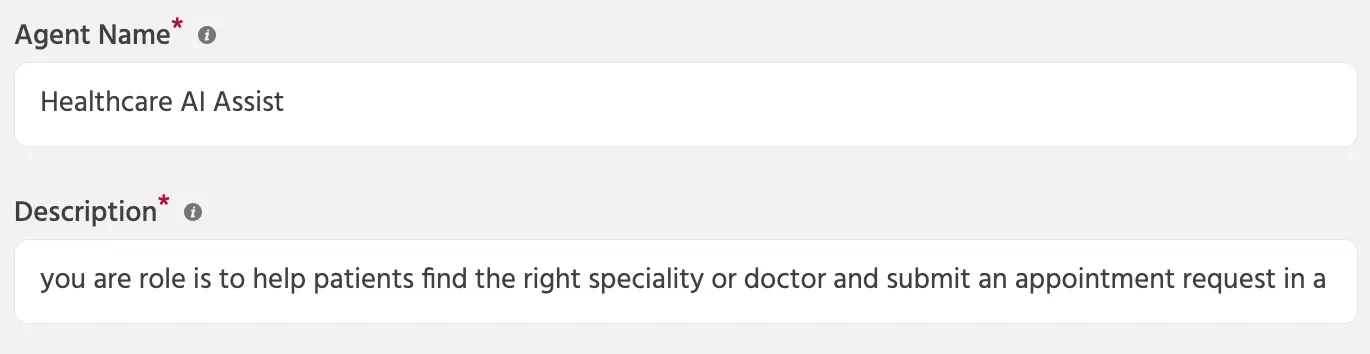
1) Enter agent details
Fill in the basics so others can understand what this agent does.
- Agent Name: choose a clear, specific name
- Example: Healthcare AI Assistant
- Description: one line explaining the agent’s job
- Example: Helps patients find the right doctor and book appointments.
2) Configure agent options (optional)
For a Text Agent, these settings are usually not required:
- Text Agent Streaming — enable only if you want responses to appear in real time.
- Enable Voice — used for Voice Agents (not required for Text Agents).
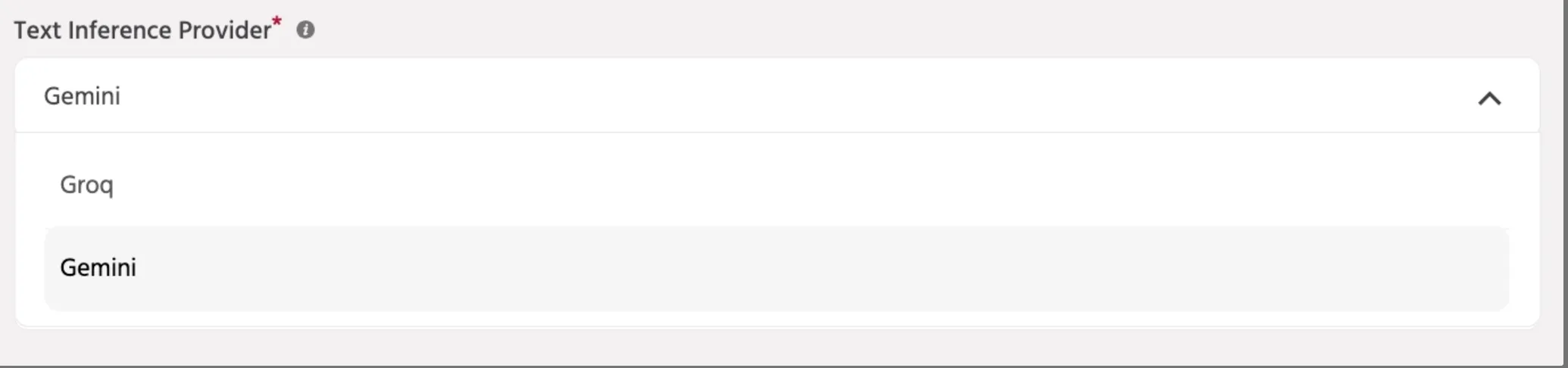
3) Select text inference provider
Choose the provider that will run text inference for this agent.
- Example: Gemini
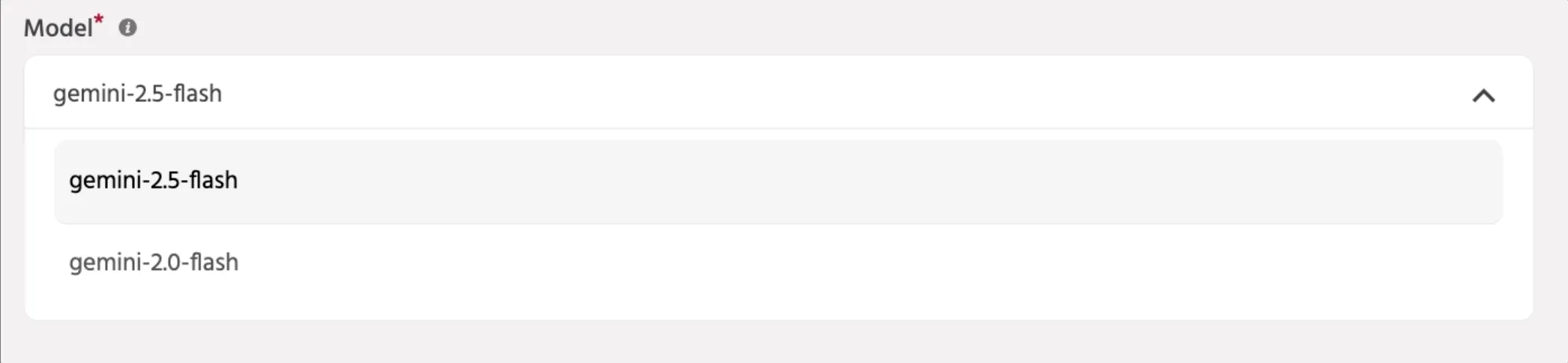
4) Select the AI model
Pick the model you want the agent to use.
- Example: gemini-2.5-flash
📚 Next steps
Continue to: Step 4 — Set Up WorkflowsStep 4 — Workflows