Step 2 — Start Agent Creation
2 min
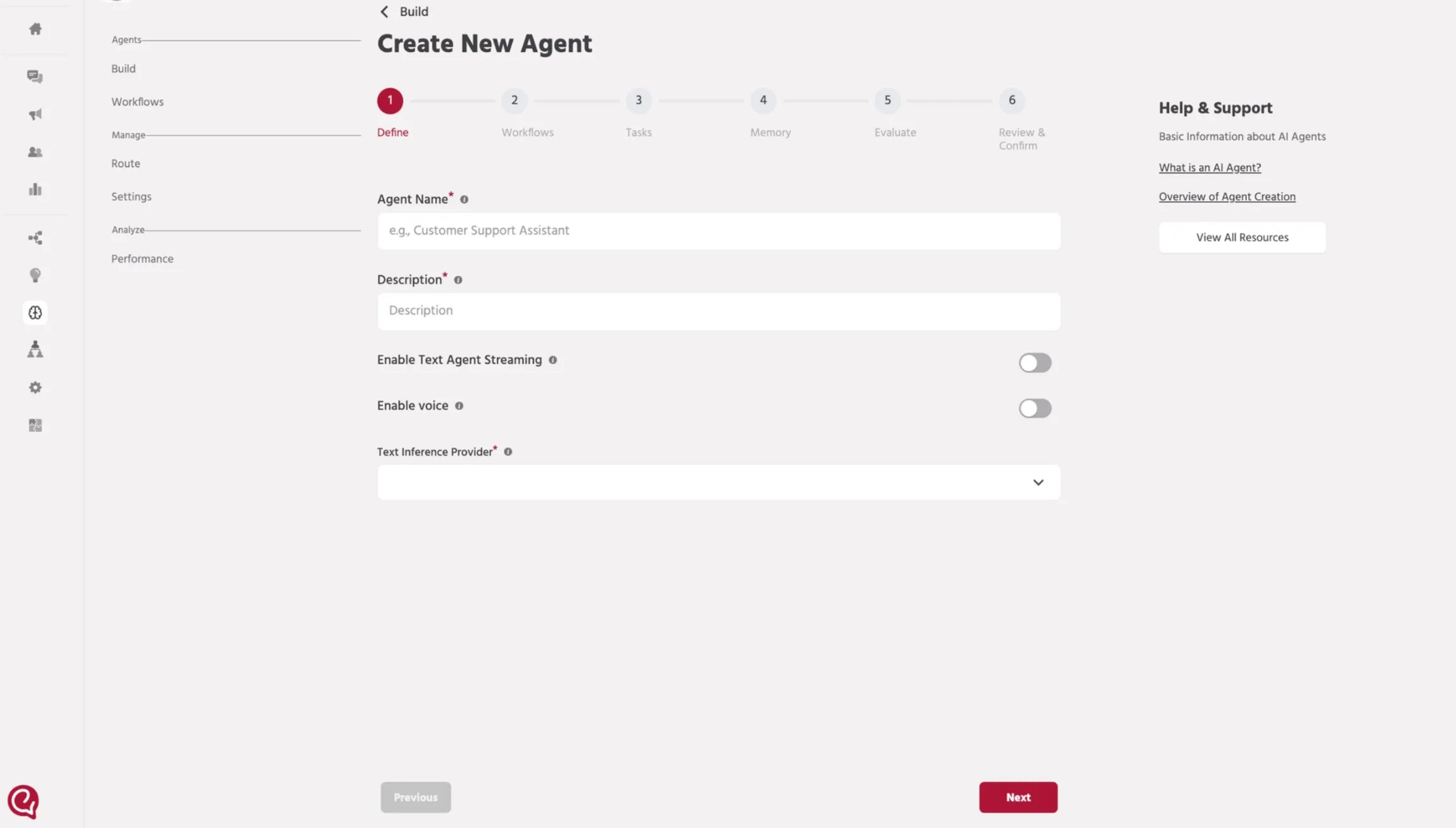
This step starts the agent creation flow and shows you the setup stages you’ll complete.
Steps
- From the Agents screen, click Create New Agent.
- The Agent setup screen opens.
- At the top, you’ll see the setup stages:
- Define → Workflows → Tasks → Memory → Evaluate → Review & Confirm
- In this guide, the next step is Define (basic agent details).
📚 Next steps
Continue to: Step 3 — Define AgentStep 3 — Define Agent