Single URL Training
Step 1 — Select URL Source
Navigate to Train → Generative AI → Documents → Upload Document.
Select URL as the content source and choose Single URL.
URL source selection
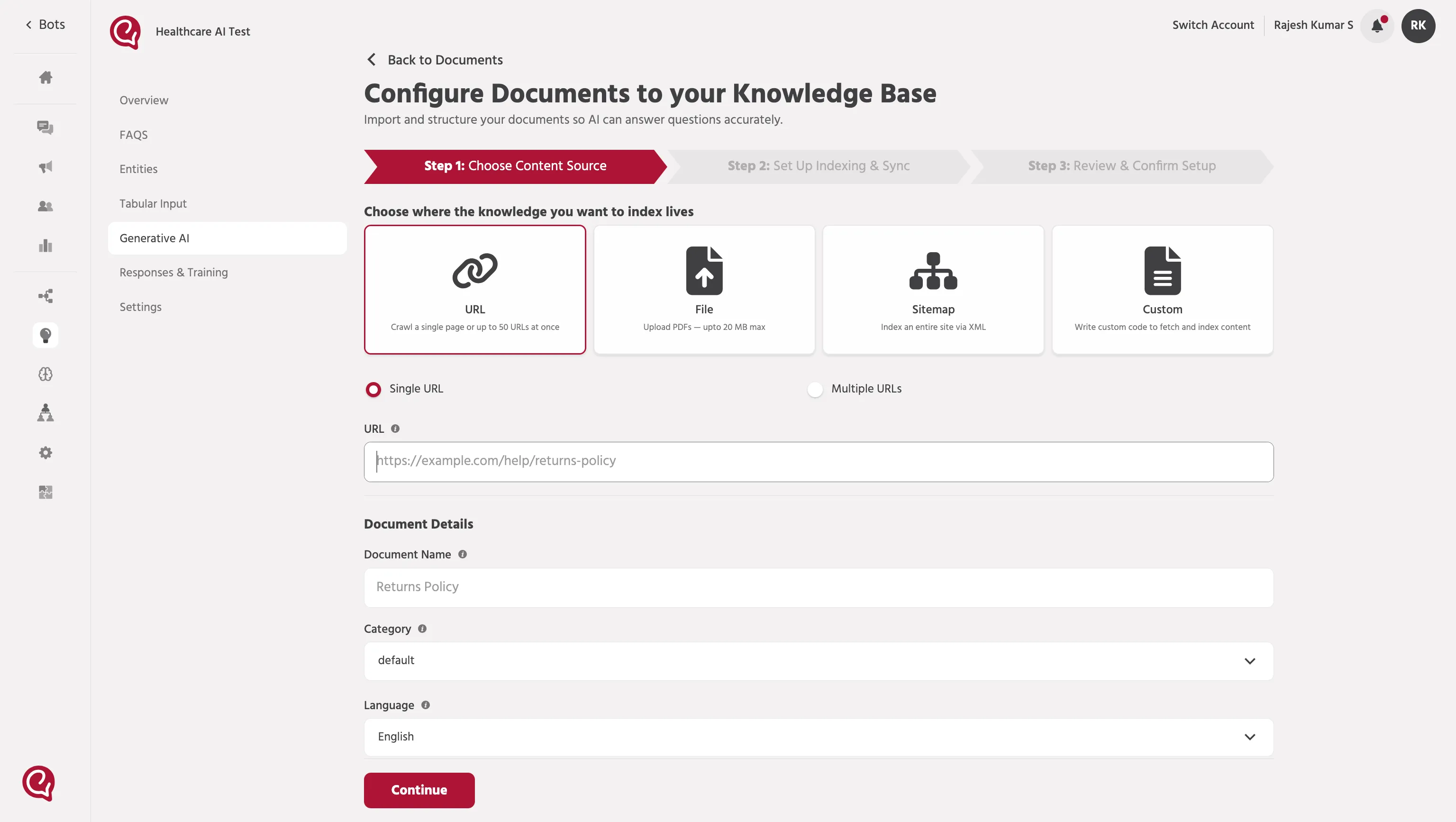
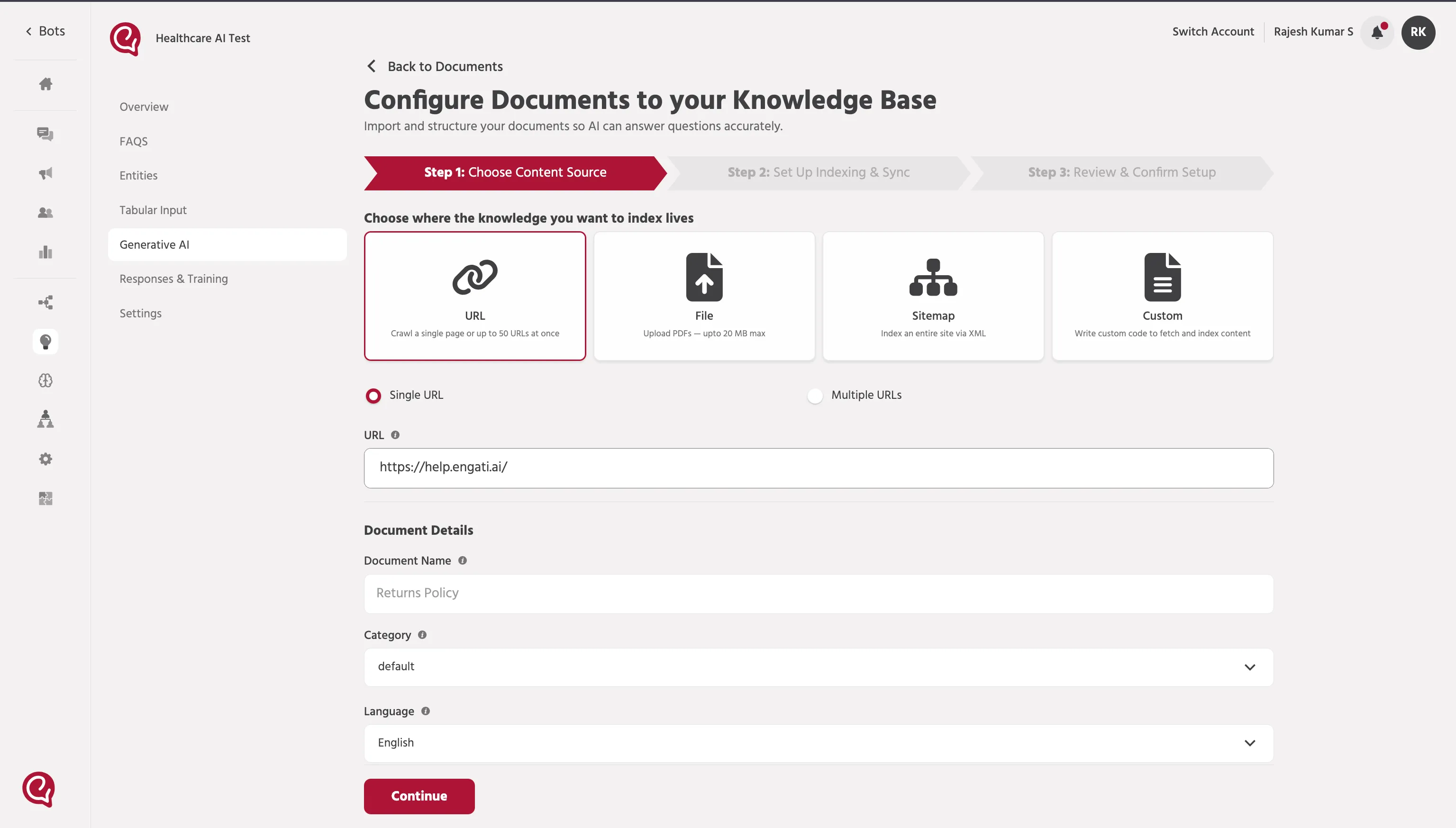
Step 2 — Enter Website URL
Enter the webpage URL that contains the information to be indexed.
Example: https://help.engati.ai/
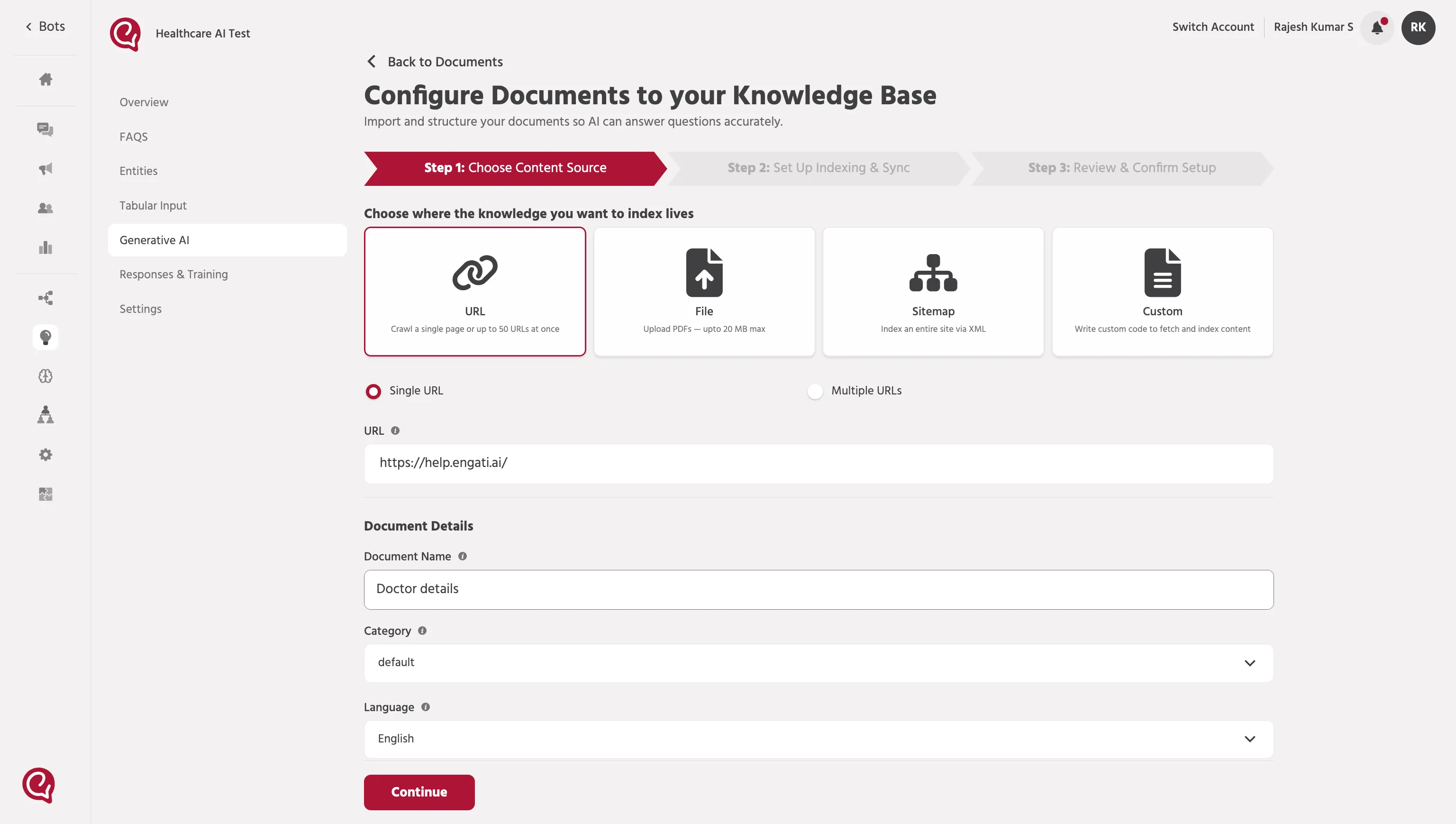
Step 3 — Add Document Details
Provide the details required to identify the knowledge source.
Document Name: Enter a name for the webpage source.
Category: Select the appropriate category from the dropdown.
Language: Choose the language used in the webpage.
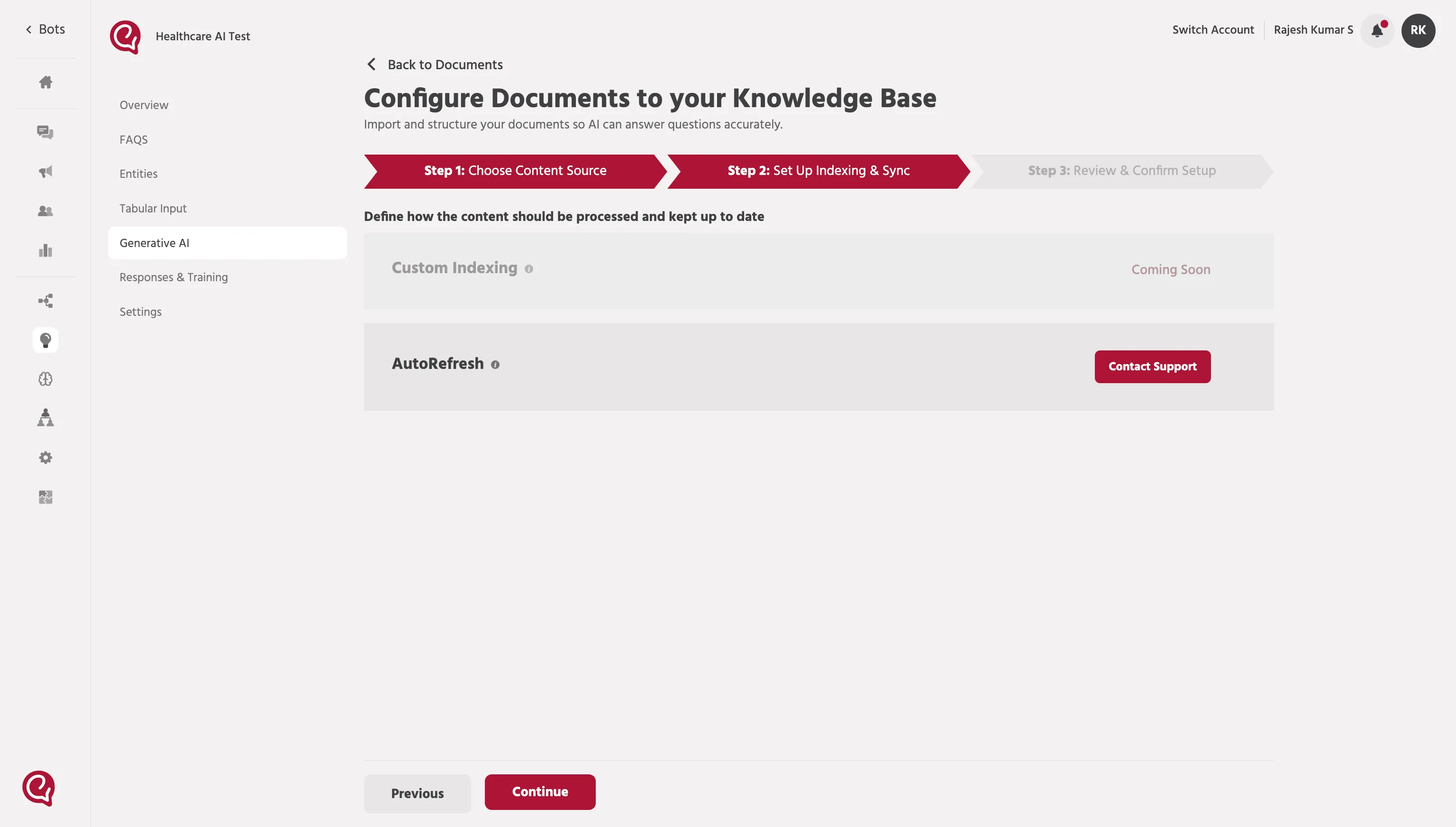
Step 4 — Configure Indexing
Review the indexing configuration settings.
Currently Custom Indexing is disabled and auto-refresh options may require support configuration.
Step 5 — Review & Confirm Setup
Verify the document details and the URL source before starting indexing.
Click Save & Start Indexing to begin training the AI with the webpage content.
Step 6 — Indexing Status
After submission, the URL will appear in the Documents list.
Once indexing is complete, the status will change to Ready to Search.
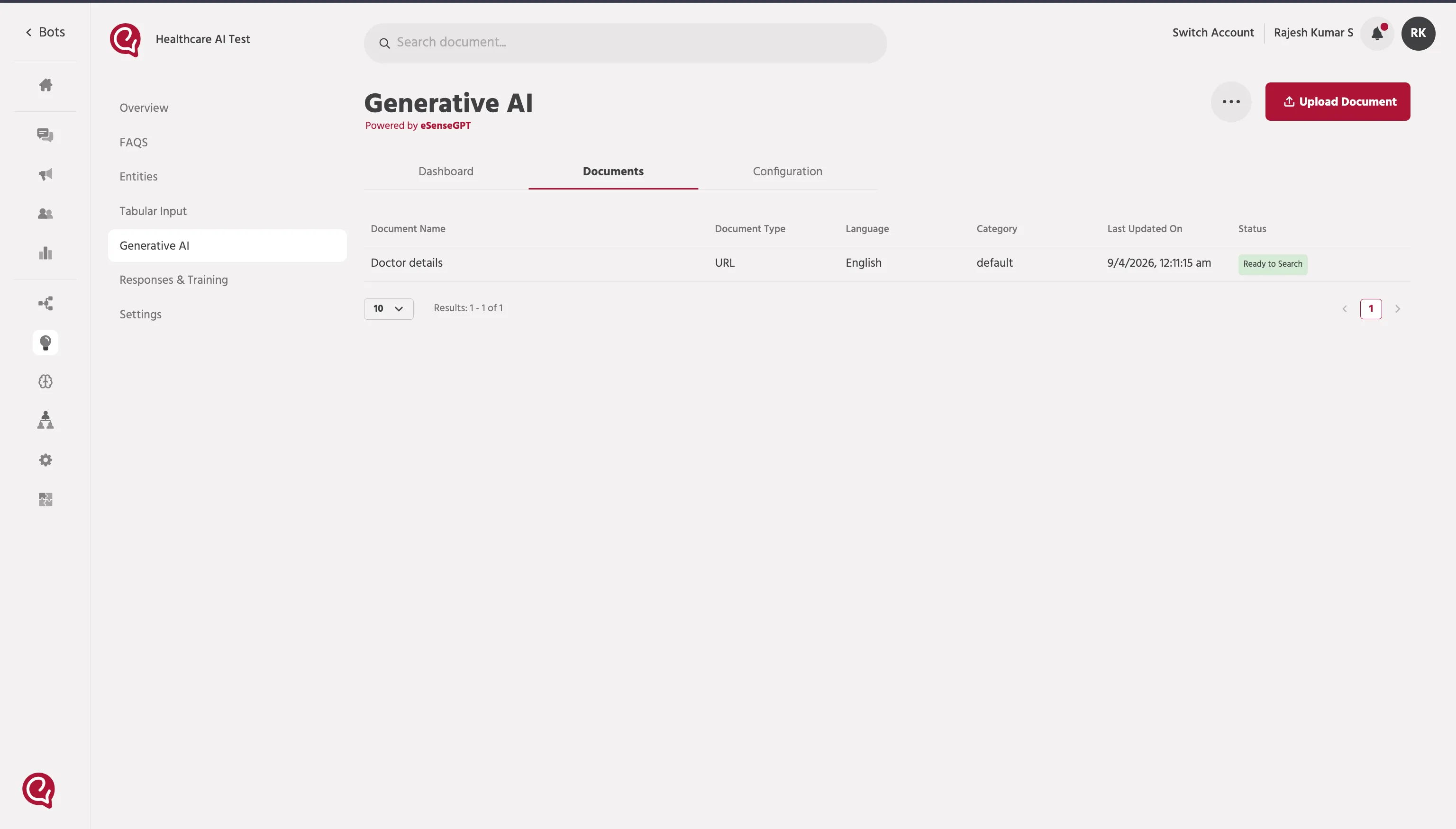
Once the URL indexing status shows Ready to Search, continue configuring the agent.
➡️ Proceed with 3. Path SetupPath setup for Agents to enable the AI agent to retrieve knowledge from the trained URLs.