Step 1 — Navigate to Agents
1 min
Follow these steps to open the Agents area where you can create a new Text Agent.
Steps
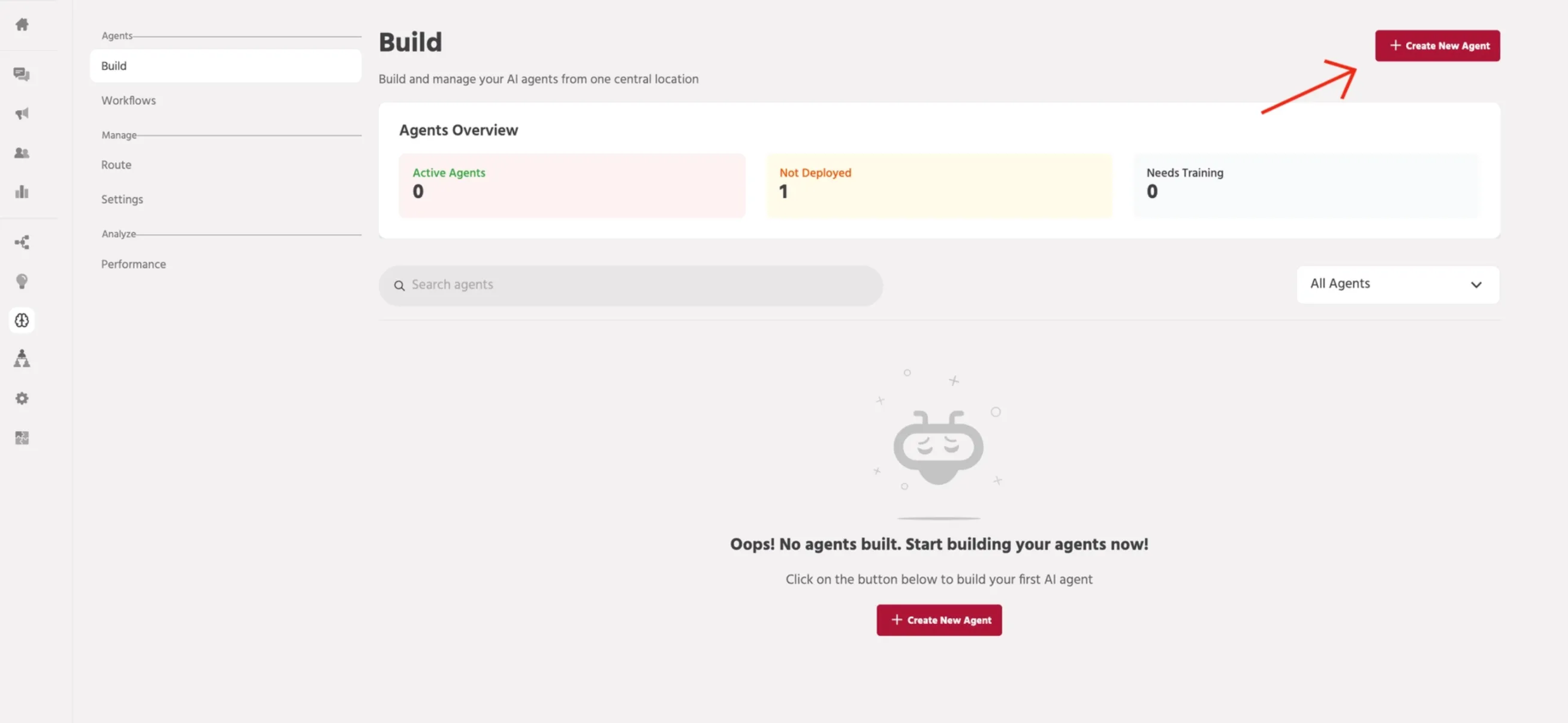
- In the left navigation, open Build.
- Select Agents to view all agents available in your account.
- Click Create New Agent to begin.
📚 Next steps
Continue to: Step 2 — Start Agent CreationStep 2 — Start Agent Creation